Build Future-Ready
Learning Experiences with Tadreeb LMS?
Tadreeb LMS is a free and open-source learning management system licensed under the GNU Affero General Public License v3 (AGPLv3). It is designed to help organizations, institutions, and training providers deliver modern, scalable, and secure learning experiences while retaining full control over their data and infrastructure.
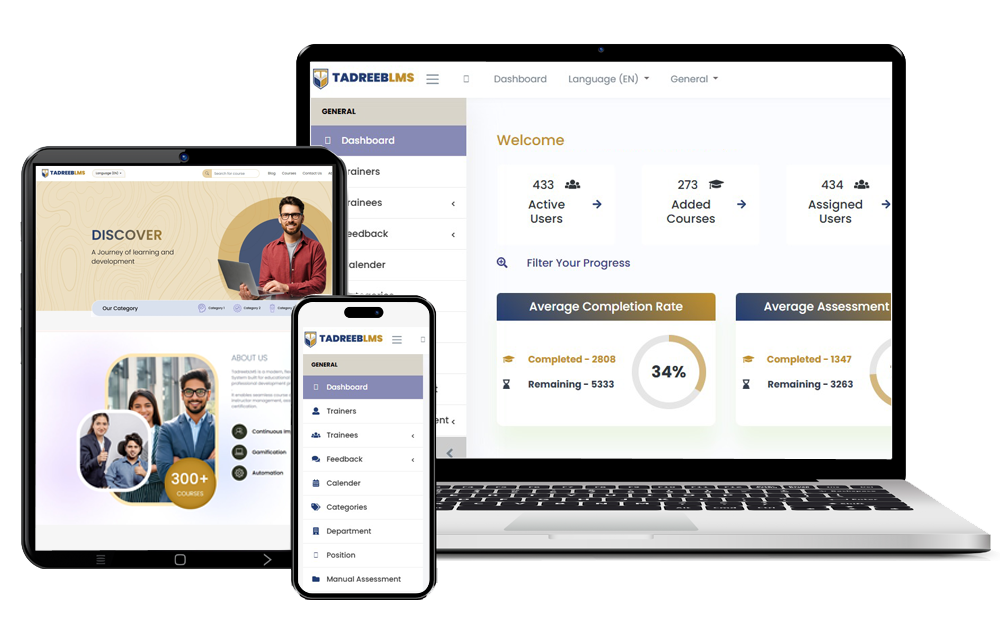



What is Tadreeb LMS?
Tadreeb LMS is a web-based learning platform that enables organizations to create, manage, and deliver structured training programs. As AGPL-licensed software, Tadreeb LMS promotes transparency, collaboration, and long-term sustainability while supporting both commercial and non-commercial use cases.


Our Features


User & Role Management
- Administrator, Instructor, and Learner roles
- Role-based access control
Certification
- Automated certificate generation upon course completion
- Customizable certificate templates

Administration & Reporting
- Centralized administrative dashboard
- Progress tracking and reporting
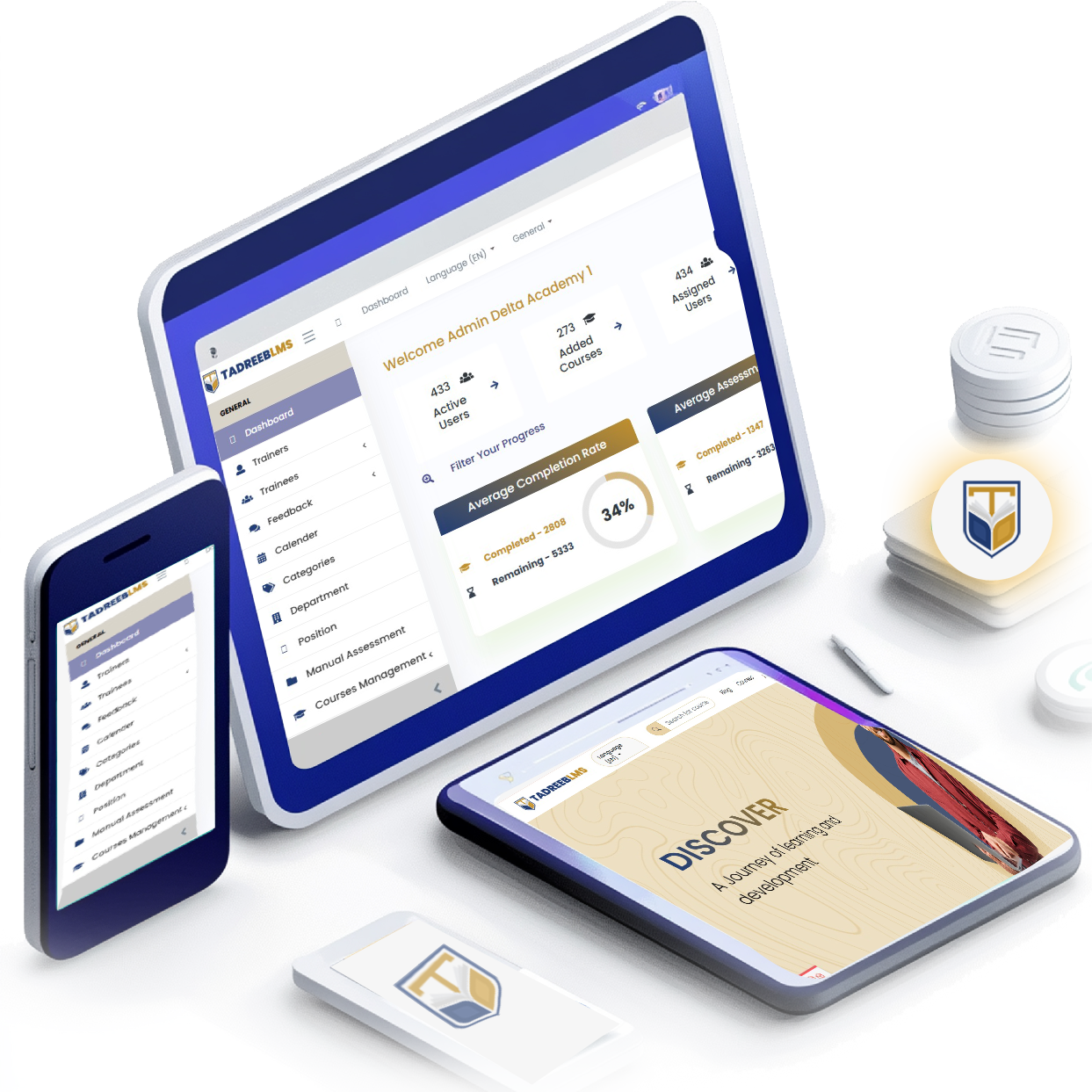
About Tadreeb LMS
Tadreeb LMS is an open-source project maintained by BeyondTech IT Solutions. The project is built with a strong focus on security, scalability, and operational simplicity.
Tadreeb LMS is released under the GNU Affero General Public License v3 (AGPLv3), ensuring that improvements made to the software remain accessible to the community, particularly when the software is deployed as a network service.

Why Tadreeb LMS?

Real-Time Analytics
Instant learner progress and reporting

Enterprise Ready
Secure, role-based access and audit logs

Flexible Deployment
Cloud, on-premise, or hybrid

Extensible by Design
APIs and modular architecture


Built for Teams of Any Size
From small training teams to large enterprises, Tadreeb LMS scales effortlessly while maintaining performance and reliability.

Your Data. Your Control.
Host Tadreeb LMS on your own infrastructure. Own your data. Meet compliance and security requirements with confidence.

Integrates With Your Ecosystem
Connect Tadreeb LMS with HR systems, identity providers, and business tools using standard APIs and Single Sign-On.

Community-Driven. Enterprise-Supported.
Powered by an open-source community and backed by professional support, customization, and deployment services.
Use Cases

Public Sector
Public sector organizations such as government departments, municipalities, and public agencies use Tadreeb LMS to manage employee training, compliance programs, and policy awareness at scale. Tadreeb enables centralized delivery of standardized courses, onboarding programs, and mandatory certifications across geographically distributed offices while ensuring data security and regulatory compliance.
See More →
Enterprises
Enterprises use Tadreeb LMS to support employee onboarding, professional development, and compliance training across departments and regions. HR and L&D teams can create structured learning paths, define mandatory courses, and measure training effectiveness through assessments and reporting.
See More →
Service Providers
Service providers use Tadreeb LMS to deliver structured training as a service to customers, partners, and resellers. The platform supports white-label branding, multi-client management, and scalable delivery, allowing providers to offer professional learning experiences without building their own LMS.
See More →
Education
Educational institutions use Tadreeb LMS to deliver online and blended learning programs, manage assessments, and issue academic certifications. Faculty can organize courses into modules and lessons, assign quizzes and assignments, and monitor student progress.
See More →